Access and roles
SPOT separates daily operation from administration. Users only see the actions allowed by their role.
| Profile | Main use | Expected access |
|---|---|---|
| Tenant admin | Manage a tenant | Tenant console, connectors, SAP connections, users, thresholds, AI, and audit |
| Operator | Handle incidents and daily follow-up | Dashboards, events, jobs, topology, AI, and filters |
| Viewer | Read-only inspection | Dashboard and query views without configuration changes |
Login
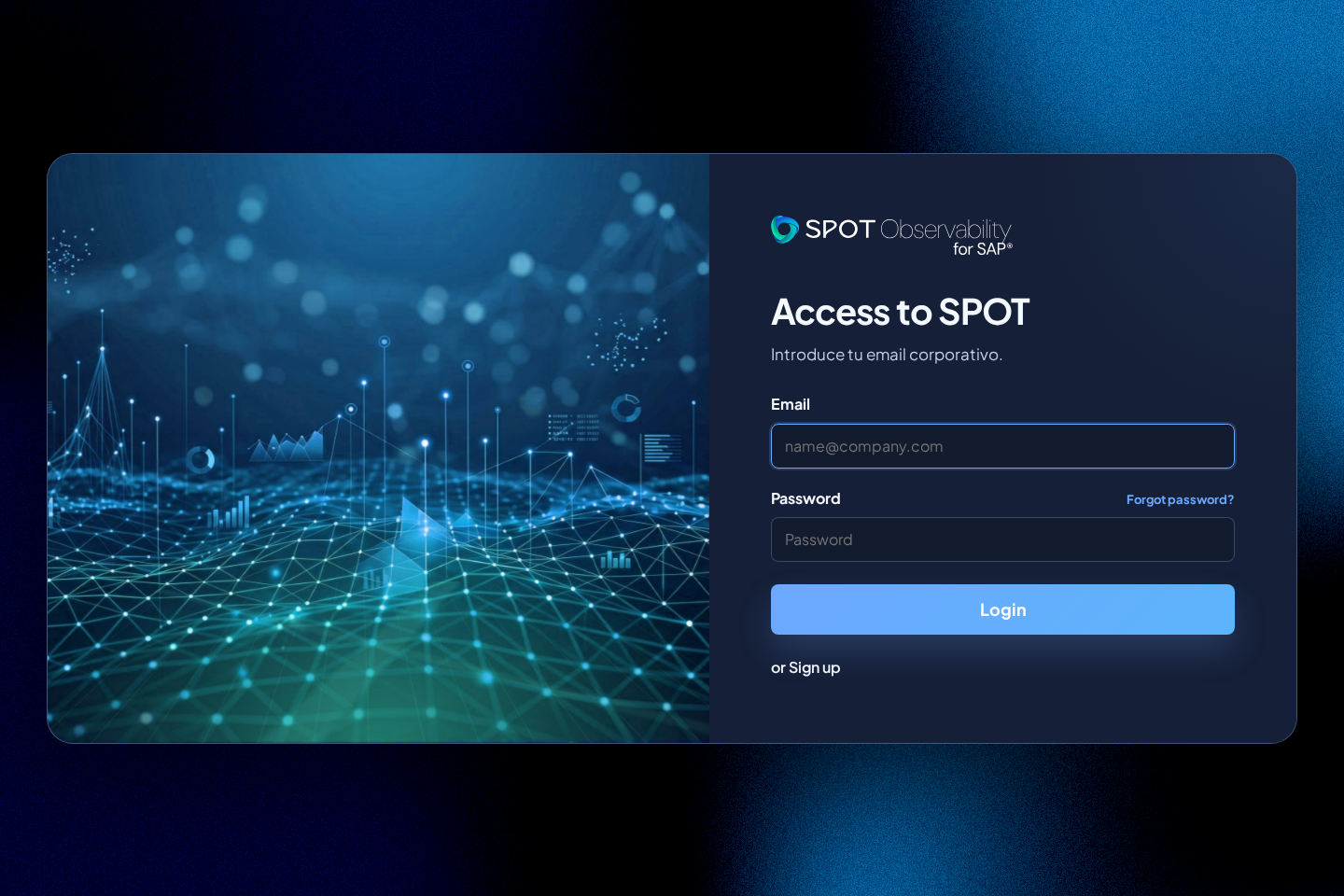
- Open the SPOT URL.
- Enter your corporate or local user.
- If your identity belongs to multiple tenants, choose the correct tenant.
- If your domain uses SSO, SPOT redirects you to the configured identity provider.
Recover a local password
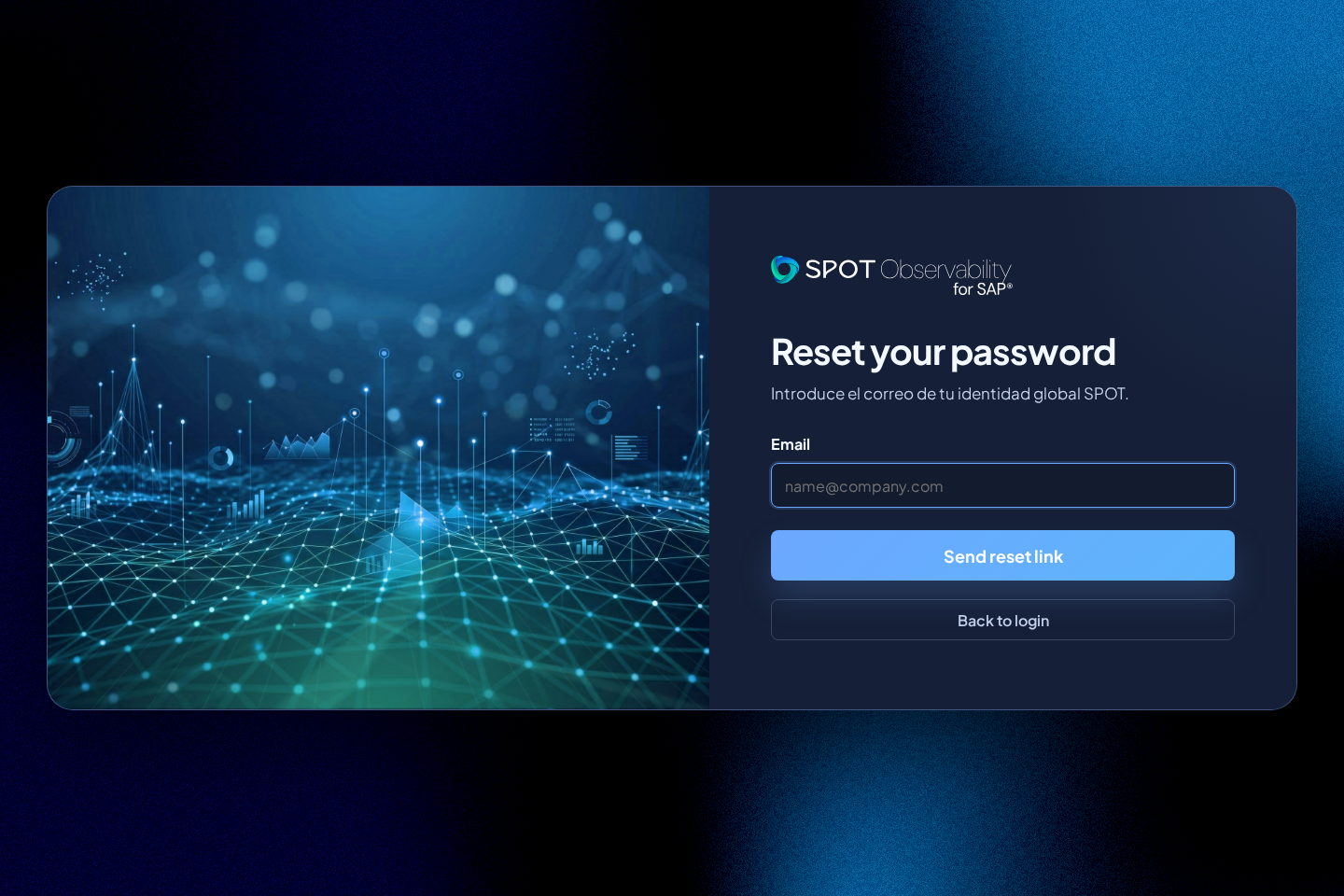
On the SaaS sign-in page, select Forgot password?, enter your email address, and press Send reset link. SPOT always shows the same result:
If an account is associated with this email, you will receive a password reset link.
The link is valid for 60 minutes, can be used only once, and changes the global password for every workspace associated with that identity. Saving the new password closes previous sessions. If the identity belongs to multiple tenants, the usual tenant selector appears after the change.
SAML identities do not participate in this flow: authentication and credential recovery are delegated to the corporate identity provider.
Tenant selection
When an account belongs to more than one tenant, SPOT shows a tenant selector after login. Choose the tenant by company name or internal slug.
Visible permissions
A tenant admin can open Tenant console and save configuration changes. A viewer is used for operational consultation and read-only view validation.