Admin and viewer
SPOT SaaS uses tenant roles. The role defines which actions appear in the interface and which changes each user can save.
Tenant admin
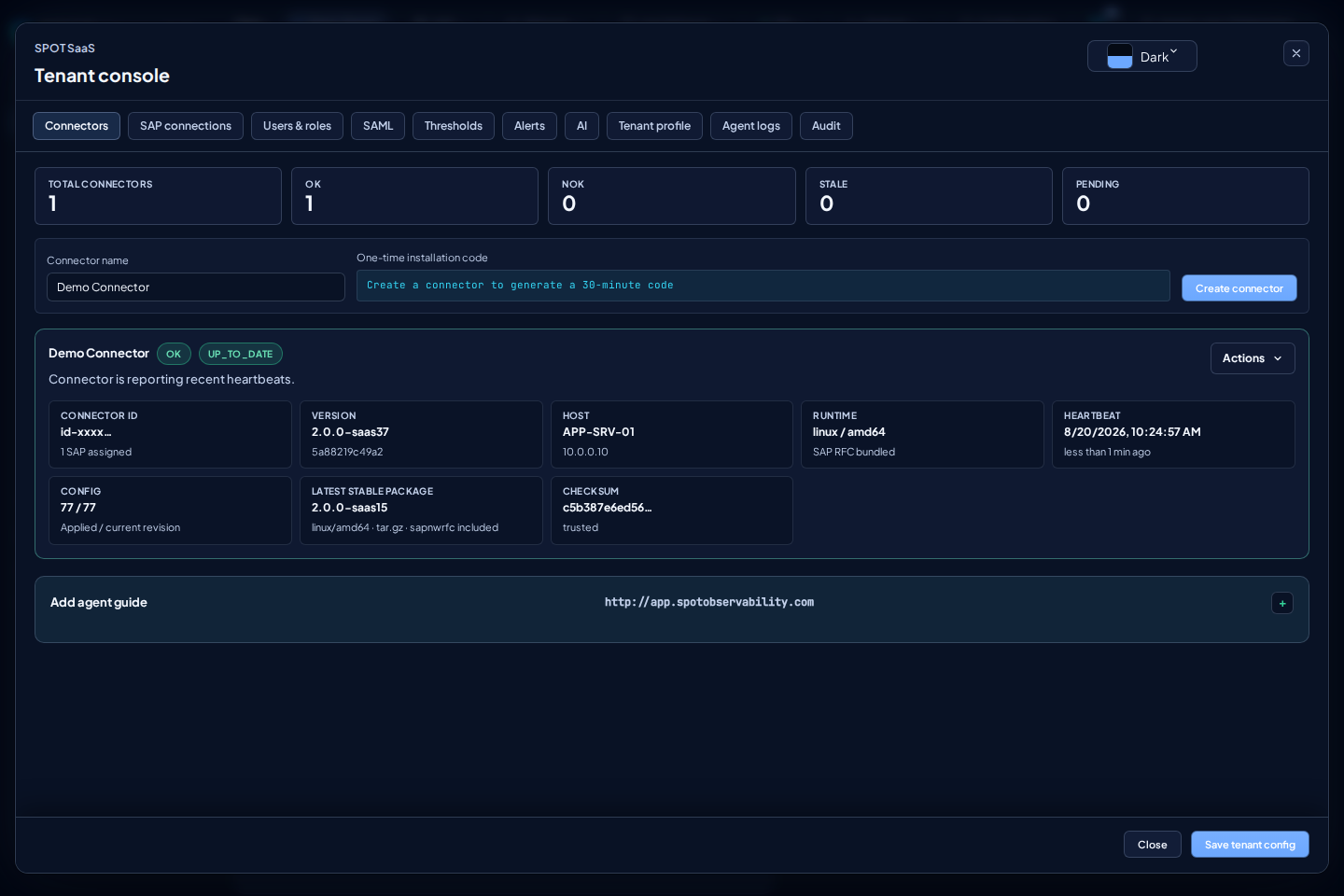
Use Tenant console to configure the tenant:
- Connectors and Add agent guide.
- SAP connections assigned to connectors.
- Users & roles.
- SAML.
- Thresholds.
- AI providers.
- Audit.
Viewer
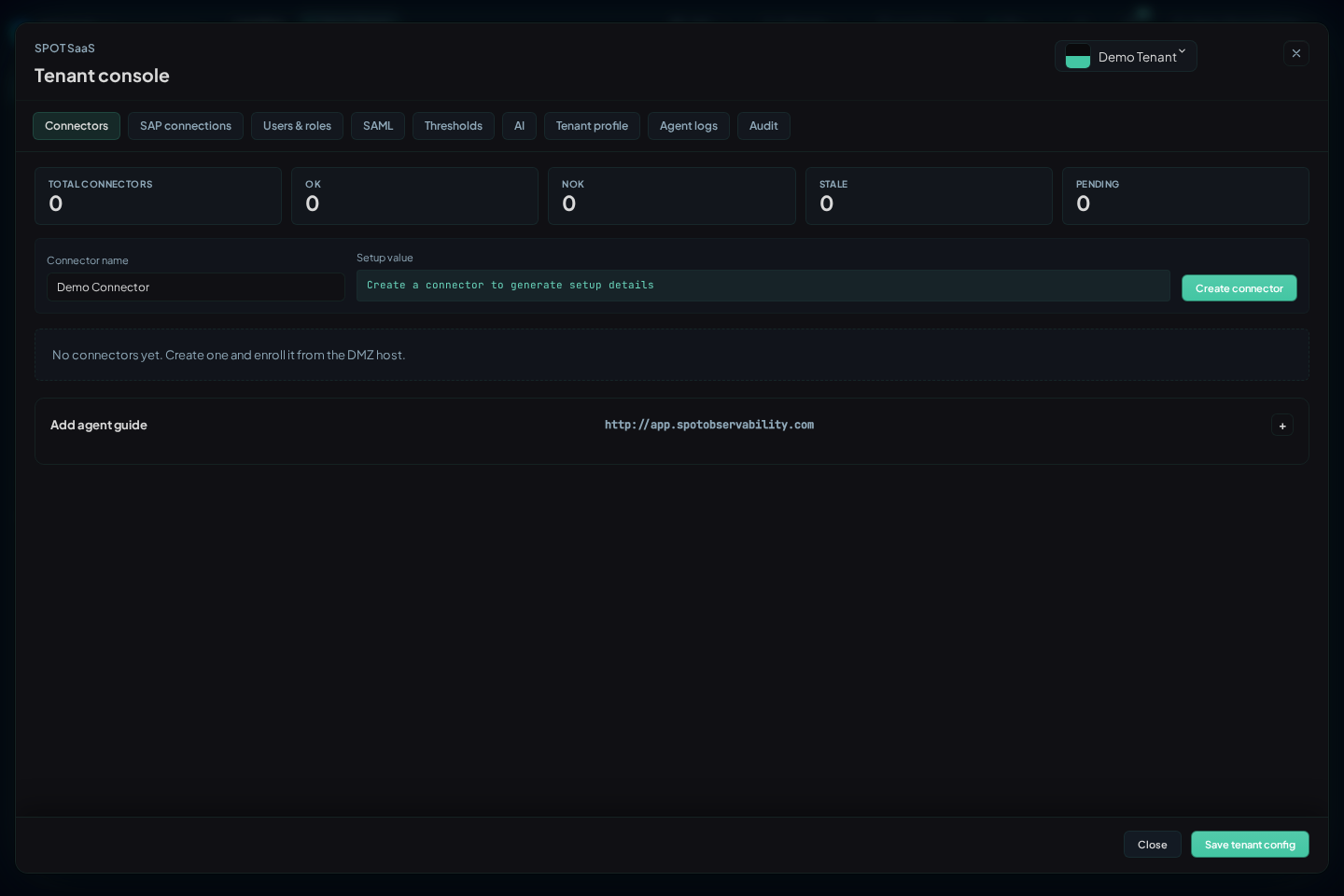
The viewer role is used for operational consultation. Review Landing, Operations, and diagnostic views without preparing configuration changes.
Platform admin
Platform manages tenants without assuming their users' identity. When creating a tenant, provide the initial email and role and SPOT sends an invitation; Platform does not set a password. In tenant details, Platform can change membership status/roles and approve or revoke the verified domain as a SAML identity authority.
Approve the authority only after confirming that the domain belongs to the tenant and the IdP is ready. Approval makes that tenant the identity home for the domain. Revocation invalidates the related SAML access, so treat it as a deliberate security action.
Quick permission check
- Sign in with an admin user and open Tenant console.
- Review that tenant configuration tabs are visible.
- Sign in with a viewer user.
- Check visible actions before sharing read-only access.